What is Secure Copy?
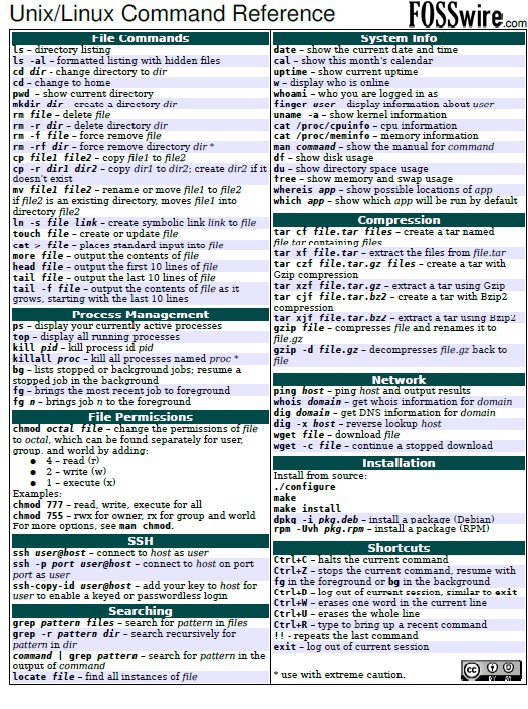
scp allows files to be copied to, from, or between different hosts. It uses ssh for data transfer and provides the same authentication and same level of security as ssh.
Examples
Copy the file "foobar.txt" from a remote host to the local host
| $ scp your_username@remotehost.edu:foobar.txt /some/local/directory |
Copy the file "foobar.txt" from the local host to a remote host
| $ scp foobar.txt your_username@remotehost.edu:/some/remote/directory |
Copy the directory "foo" from the local host to a remote host's directory "bar"
| $ scp -r foo your_username@remotehost.edu:/some/remote/directory/bar |
Copy the file "foobar.txt" from remote host "rh1.edu" to remote host "rh2.edu"
$ scp your_username@rh1.edu:/some/remote/directory/foobar.txt \
your_username@rh2.edu:/some/remote/directory/ |
Copying the files "foo.txt" and "bar.txt" from the local host to your home directory on the remote host
| $ scp foo.txt bar.txt your_username@remotehost.edu:~ |
Copy the file "foobar.txt" from the local host to a remote host using port 2264
| $ scp -P 2264 foobar.txt your_username@remotehost.edu:/some/remote/directory |
Copy multiple files from the remote host to your current directory on the local host
| $ scp your_username@remotehost.edu:/some/remote/directory/\{a,b,c\} . |
| $ scp your_username@remotehost.edu:~/\{foo.txt,bar.txt\} . |
scp Performance
By default scp uses the Triple-DES cipher to encrypt the data being sent. Using the Blowfish cipher has been shown to increase speed. This can be done by using option -c blowfish in the command line.
| $ scp -c blowfish some_file your_username@remotehost.edu:~ |
It is often suggested that the -C option for compression should also be used to increase speed. The effect of compression, however, will only significantly increase speed if your connection is very slow. Otherwise it may just be adding extra burden to the CPU. An example of using blowfish and compression: